


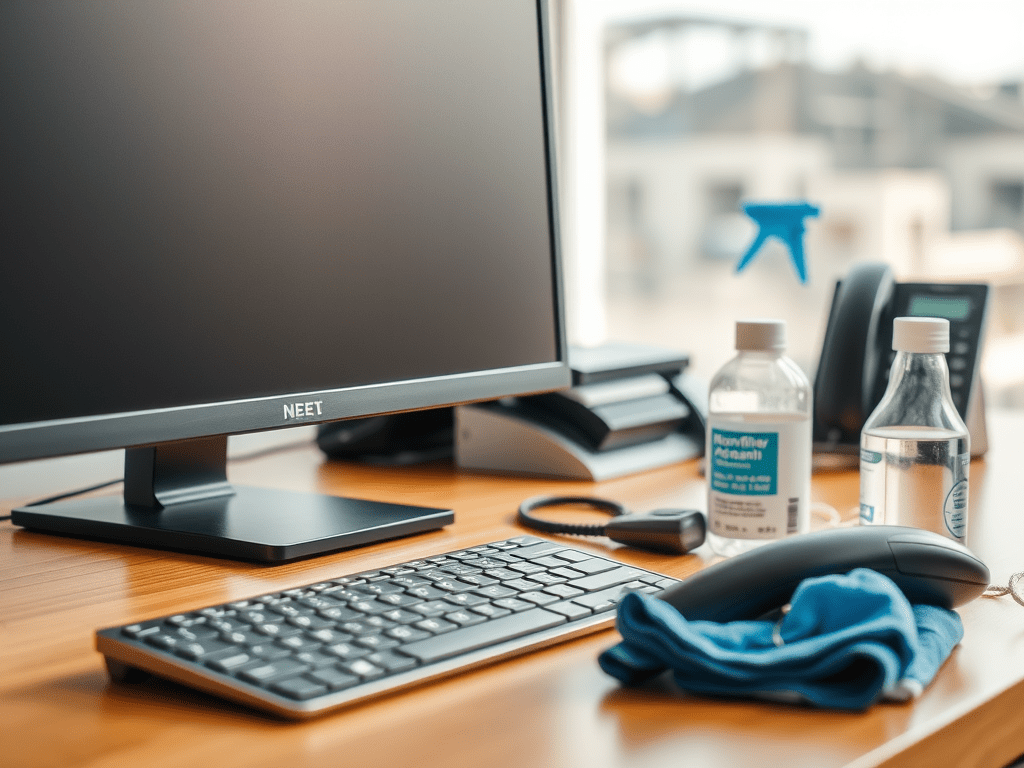

In today’s fast-paced business environment, maintaining a clean and hygienic workspace is more important than ever. Keyboards, monitors, and telephones are high-touch surfaces. They can harbor germs, dust, and grime. This poses a risk to employee health and productivity. At Niagara Regional Cleaning, we specialize in providing top-notch janitorial services for businesses. We ensure that every corner of your office is spotless. It is also sanitary. In this blog post, we’ll guide you through cleaning keyboards, monitors, and telephones step-by-step. This will help you maintain a healthy and professional workspace.
Why Cleaning Keyboards, Monitors, and Telephones is Crucial for Businesses
Keyboards, monitors, and telephones are among the most frequently touched items in any office. Studies have shown that these surfaces can carry more bacteria than a toilet seat, making them a hotspot for germs. Regular cleaning reduces the spread of illness. It also extends the lifespan of your equipment. Additionally, it maintains a polished, professional appearance. For businesses, this is an essential part of creating a safe and welcoming environment for employees and visitors alike.
Step 1: Gather Your Cleaning Supplies
Before you begin, make sure you have the right tools and products on hand. Here’s what you’ll need:
- Microfiber cloths (lint-free)
- Isopropyl alcohol (70% or less) or disinfectant wipes
- Compressed air canister
- Cotton swabs
- Distilled water
- Screen cleaner (optional, for monitors)
- Soft-bristled brush (optional, for keyboards)
Pro Tip: Avoid using harsh chemicals, bleach, or abrasive materials, as these can damage sensitive equipment.
Step 2: Turn Off and Unplug Devices
Safety first! Always turn off and unplug keyboards, monitors, and telephones before cleaning. This prevents electrical hazards and ensures you can clean thoroughly without causing damage.
How to Clean Keyboards
Keyboards are notorious for collecting crumbs, dust, and germs. Here’s how to clean them effectively:
- Shake Out Loose Debris: Turn the keyboard upside down and gently shake it to dislodge any loose crumbs or debris.
- Use Compressed Air: Spray compressed air between the keys to remove dust and particles that are hard to reach.
- Wipe Down the Surface: Dampen a microfiber cloth with isopropyl alcohol. Alternatively, use a disinfectant wipe to clean the keys and exterior surfaces. Avoid oversaturating the cloth to prevent moisture from seeping into the keyboard.
- Clean Between the Keys: Use a cotton swab lightly dampened with alcohol to clean between the keys. For stubborn grime, a soft-bristled brush can help.
- Let It Dry: Allow the keyboard to air dry completely before plugging it back in.
How to Clean Monitors
Monitors can accumulate fingerprints, dust, and smudges, which can affect visibility and clarity. Follow these steps to clean them properly:
- Dust the Screen: Use a dry microfiber cloth to gently remove dust from the screen. Avoid using paper towels, as they can scratch the surface.
- Clean the Screen: If there are smudges or fingerprints, lightly dampen a microfiber cloth with distilled water. Alternatively, use a screen cleaner specifically designed for monitors. Wipe the screen in a circular motion, applying minimal pressure.
- Wipe the Frame and Stand: Use a cloth dampened with isopropyl alcohol to clean the monitor’s frame. Clean the stand and any buttons carefully. Be careful not to let liquid drip into the vents or ports.
- Dry Thoroughly: Use a dry microfiber cloth to remove any remaining moisture.
How to Clean Telephones
Office telephones are often overlooked but can harbor germs and dirt. Here’s how to clean them effectively:
- Wipe Down the Handset and Base: Use a microfiber cloth dampened with isopropyl alcohol. Alternatively, use a disinfectant wipe. Clean the handset, buttons, and base of the telephone. Pay special attention to the mouthpiece and earpiece, as these areas come into direct contact with the user.
- Clean Between Buttons: Use a cotton swab lightly dampened with alcohol to clean between the buttons. Ensure to reach crevices where dirt can accumulate.
- Disinfect the Cord (if applicable): For corded phones, wipe down the cord with a cloth dampened with alcohol.
- Let It Dry: Allow the telephone to air dry completely before use.
Step 3: Establish a Regular Cleaning Schedule
To maintain a clean and hygienic workspace, it’s important to clean keyboards, monitors, and telephones regularly. For high-traffic offices, we recommend cleaning these items at least once a week. For shared equipment, such as in conference rooms or reception areas, consider cleaning after each use.
Why Choose Niagara Regional Cleaning for Your Janitorial Needs?
At Niagara Regional Cleaning, we understand that maintaining a clean and healthy office environment is essential for your business’s success. Our professional janitorial services include thorough cleaning of all high-touch surfaces, ensuring your workspace is safe, sanitary, and presentable. We use eco-friendly products and proven techniques to deliver exceptional results every time.
Whether you need daily office cleaning, deep cleaning services, or specialized disinfection, Niagara Regional Cleaning has you covered. Contact us today to learn more about our services and how we can help your business shine.
By following these steps, you can ensure that your office keyboards, monitors, and telephones are clean, functional, and germ-free. For businesses aiming to keep a professional workspace, turn to Niagara Regional Cleaning. They offer the expertise and care your office needs.